Clean, distraction-free reading
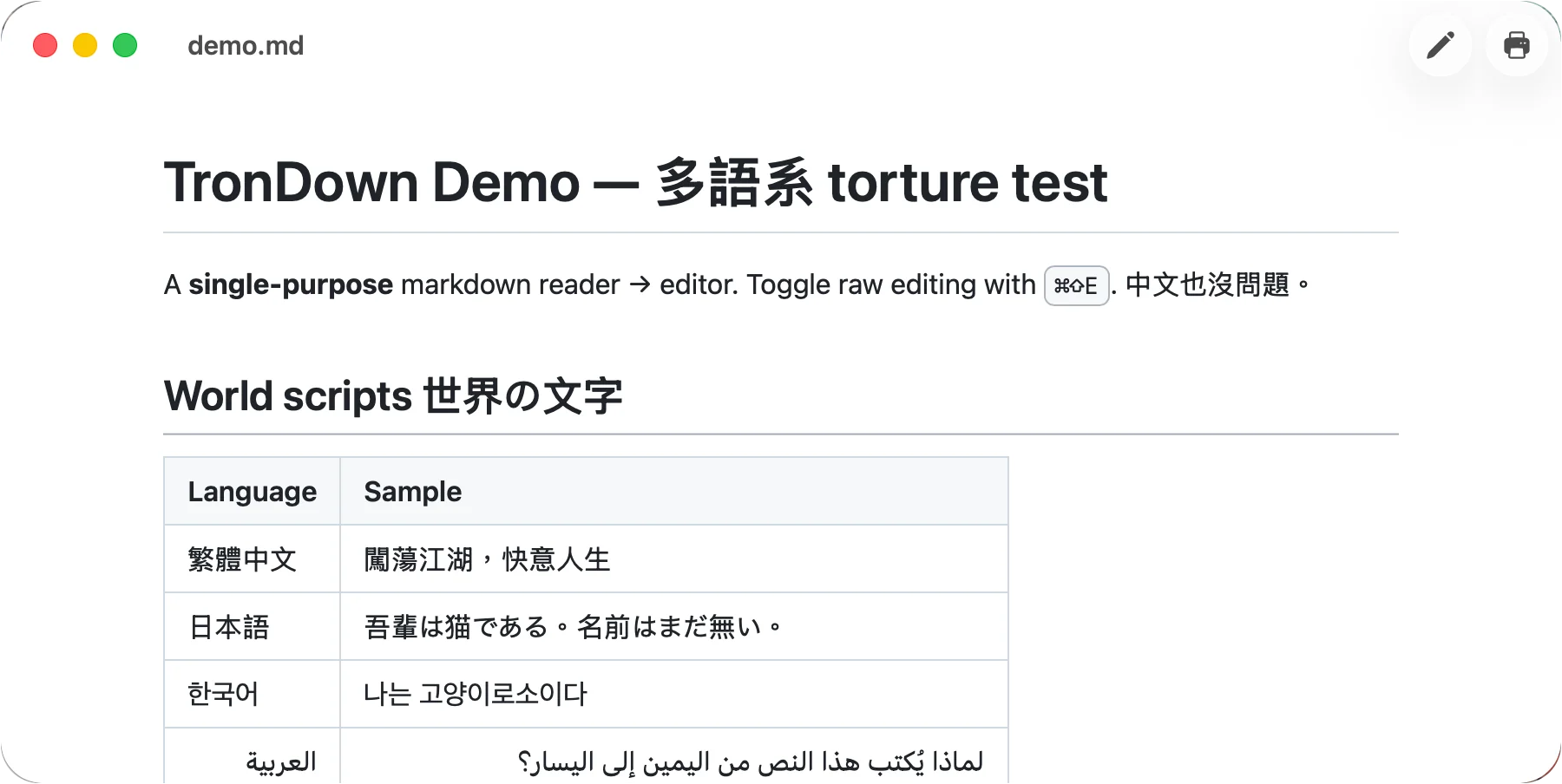
Beautiful rendering with full CommonMark support. Headings, lists, tables, and code blocks all feel native, so you can just read.
Full CommonMark
Double-click any .md and it opens beautifully rendered — not as raw symbols in TextEdit. One click to edit, ⌘S to save. The whole app is under 5 MB, fully offline, and respectful of your Mac.
Reviewing notes, reading documentation, or writing your next draft — every feature is built for “open it, use it, get on with your day.”
Beautiful rendering with full CommonMark support. Headings, lists, tables, and code blocks all feel native, so you can just read.
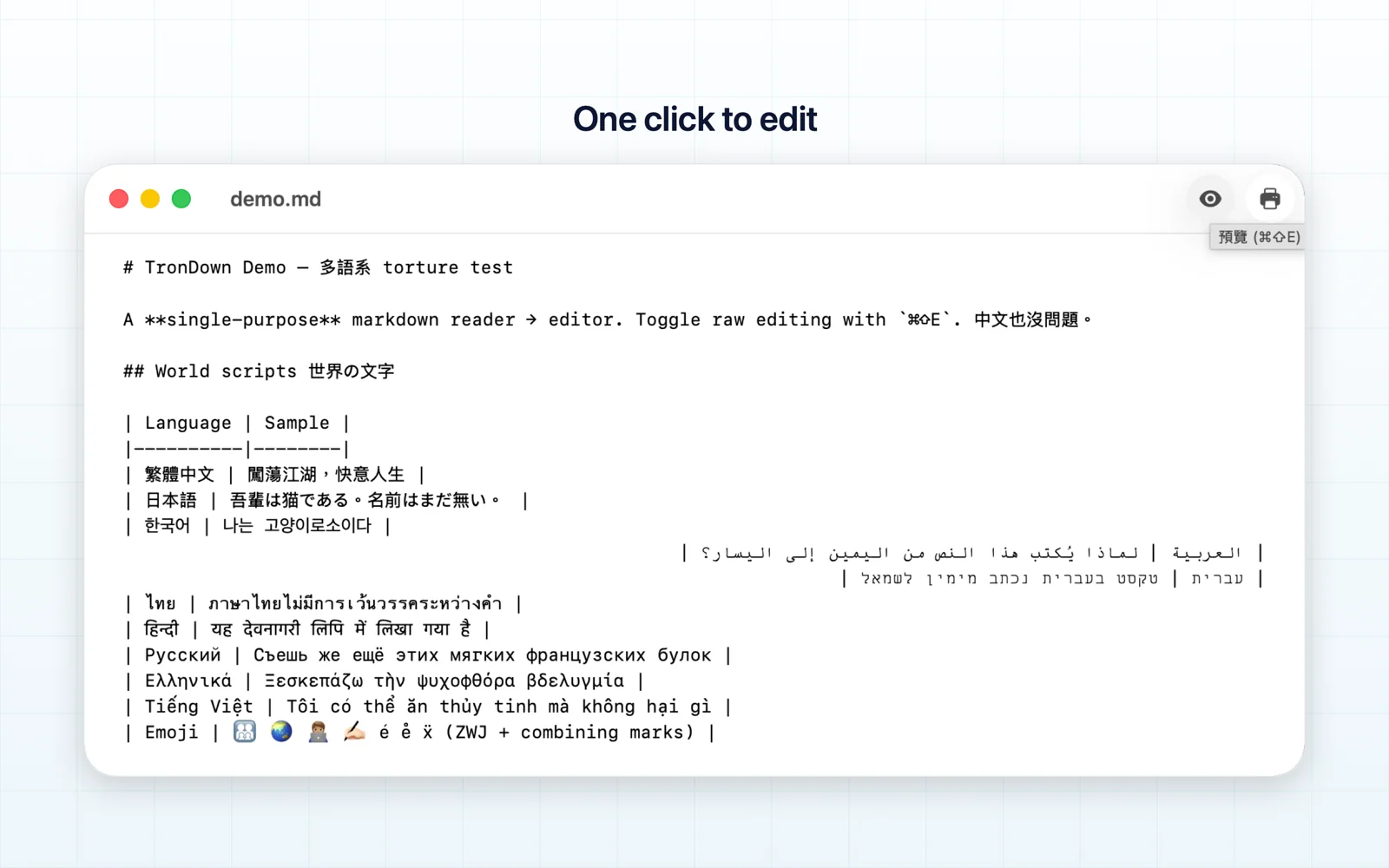
Hit ⌘⇧E to jump into raw Markdown, save with ⌘S, and flip back to reading. No more separate reader and editor apps.
Pure Swift, no Electron. The entire app is smaller than a single photo, launches in a blink, and scrolls big documents smoothly.
Follows your system appearance with careful contrast that stays easy on the eyes — code blocks and tables tuned for both modes.
No internet connection, no account, no analytics, no third-party SDKs, no ads. TronDown collects no data — your documents never leave your Mac.
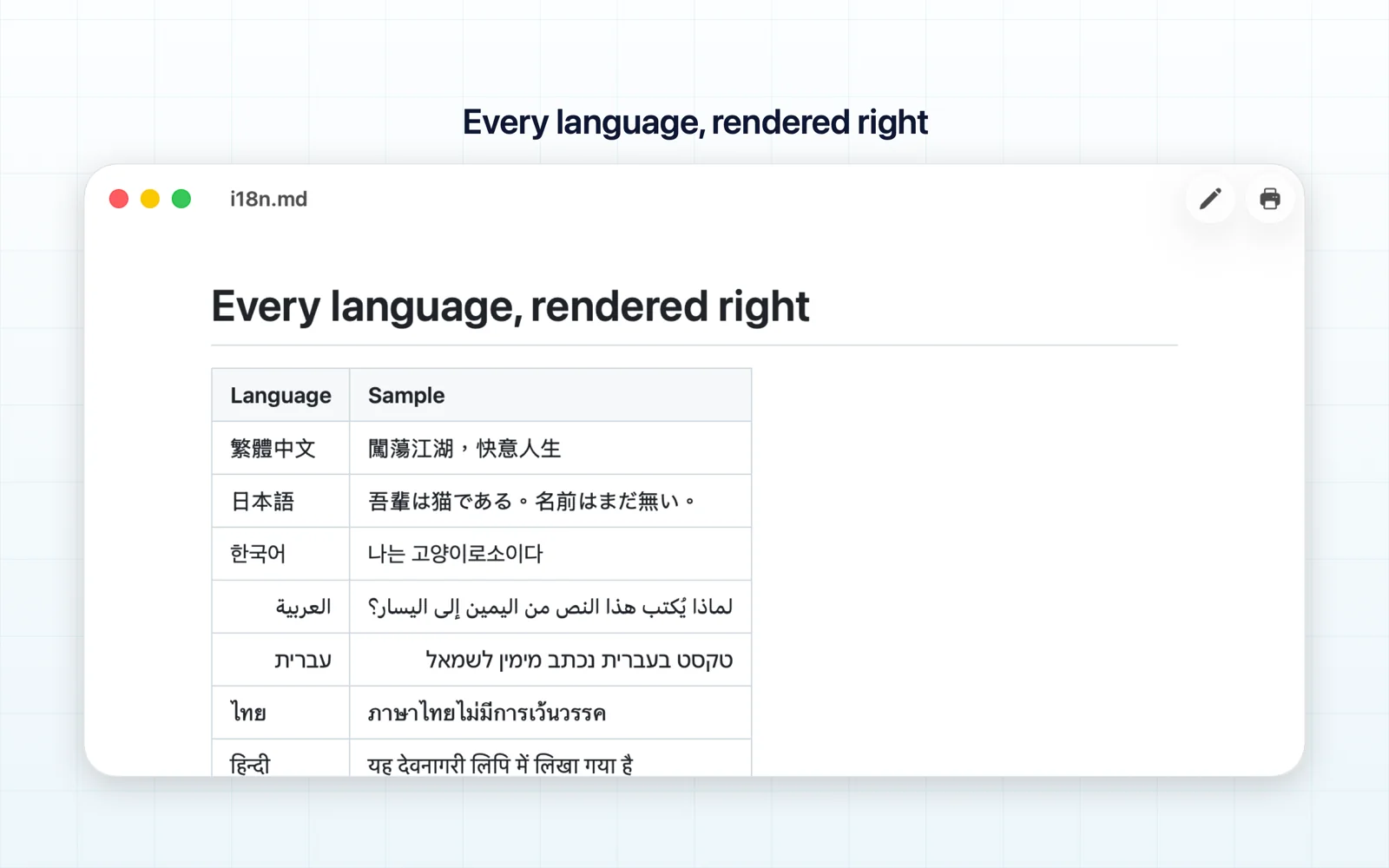
Built in pure Swift for a lightweight, responsive feel. Big documents scroll smoothly, and CJK, Arabic, Hebrew, and Thai all render correctly.
A native macOS window with carefully tuned contrast in light and dark — this is the TronDown you will see every day.
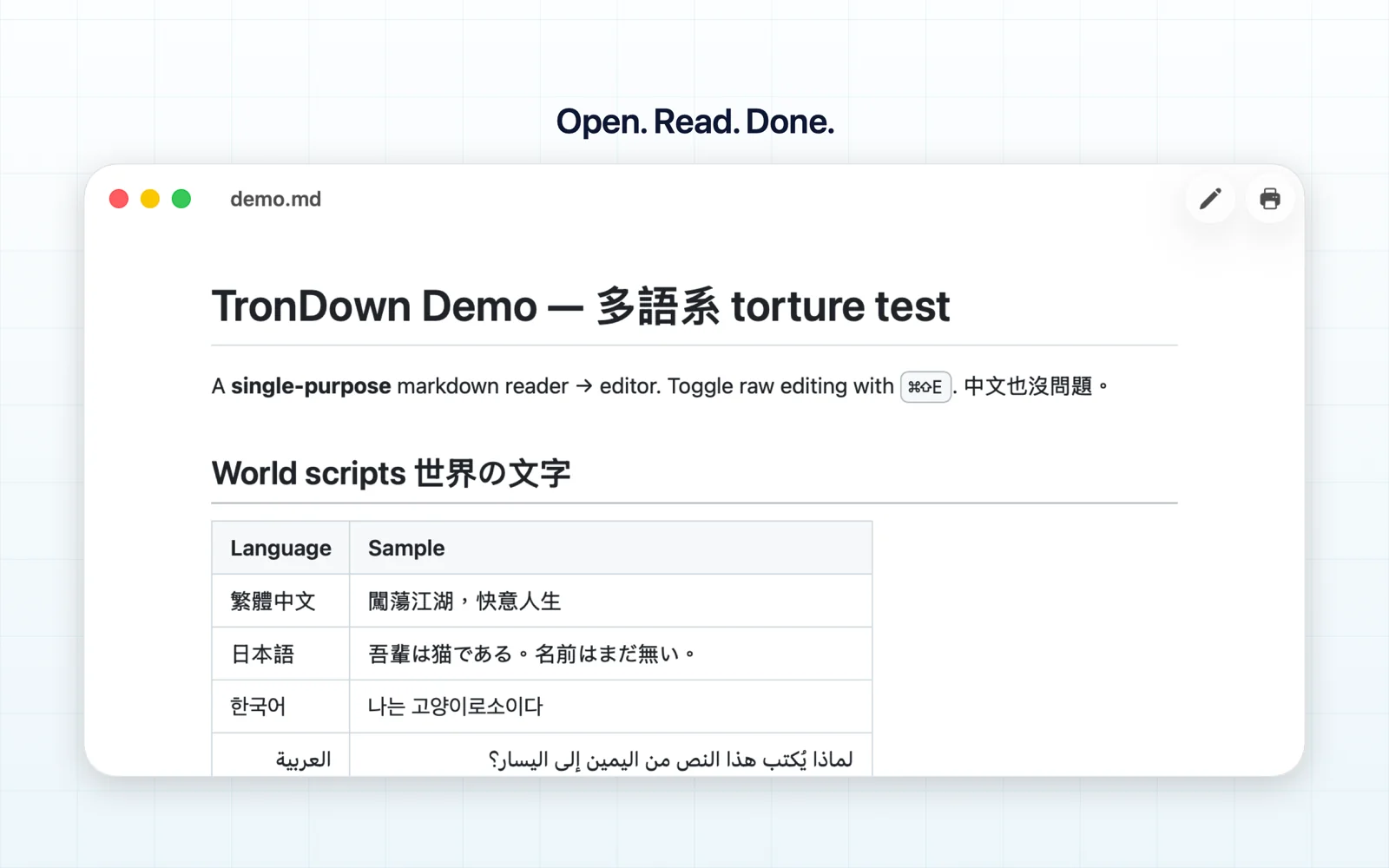
Double-click any .md file or drop it onto TronDown. No setup, no waiting — beautifully rendered right away.
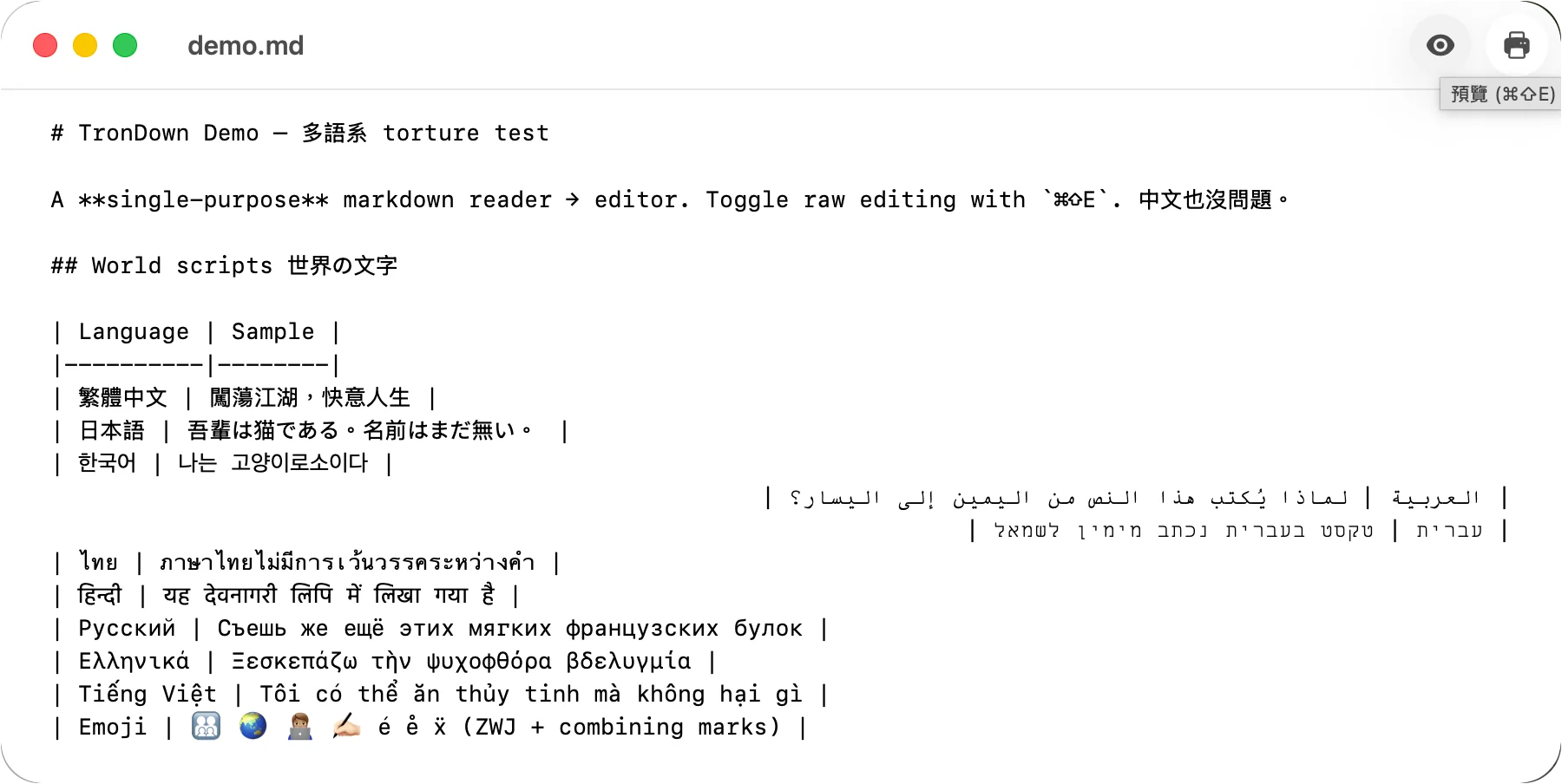
Press ⌘⇧E (or click the toolbar button) to switch to raw Markdown. A clean, monospaced editor for focused changes.
Save with ⌘S and flip back to reading mode. Files are read and written locally only — that’s the whole workflow.
TronDown collects no data. No account, no cloud, no ads — because it never connects to the internet in the first place.
US$3.99, one-time purchase. No subscription, no in-app purchases, no ads — buy it once and it is yours.
macOS 14.0 or later. Apple Silicon and Intel are both supported natively via a universal binary.
TextEdit shows Markdown as raw symbols. VS Code is a full IDE — hundreds of megabytes to read one note. TronDown is under 5 MB, opens instantly, and does one thing well.
Yes. Right-click any .md file → Get Info → Open with → TronDown → Change All. From then on, double-clicking any Markdown file opens it rendered.
Full CommonMark: headings, lists, tables, code blocks, quotes, links, images, and more all render correctly.
No. TronDown is fully offline — no internet connection, no account, no analytics, no tracking, no third-party SDKs. Your documents are read and written only on your device.
The interface is available in English, Japanese, and Traditional Chinese. For rendering, mixed-language documents with CJK, Arabic, Hebrew, Thai, and more all display correctly.
On the Mac App Store, available worldwide. Questions or feedback: pct@1tron.ai.
US$3.99 one-time purchase — no subscription, no in-app purchases. Download it, double-click any .md, and TronDown handles the rest.